AI chatbot development for every conversation

Custom AI chatbots and assistants that answer customers and staff, get work done in your systems and ask before they act.

Chatbots and assistants we build

The chatbots and assistants we build most often, and any other conversation your team has every day.

  1. 01 / 07

    Customer support chatbots

    Questions answered from your help centre and policies, orders and accounts looked up, and the rest passed to your team with the conversation.

    • Answers from your help centre and policies
    • Order status, returns and account questions
    • Tickets opened and routed in your help desk
    • Handover to your team with the conversation
  2. 02 / 07

    Shopping assistants

    Product questions answered, the right item recommended and orders tracked, from your own catalogue and store.

    • Product advice from your catalogue
    • Size, stock and delivery questions answered
    • Orders tracked and returns started in the chat
    • Items added to the shopper's basket
  3. 03 / 07

    Booking and scheduling

    Demos, visits and appointments booked in your calendar from the chat, with a confirmation sent.

    • Demos, visits and appointments booked
    • Your calendar checked live for free slots
    • Confirmations and reminders sent
    • Bookings moved or cancelled in the chat
  4. 04 / 07

    Lead qualification on your site

    Pre-sales questions answered from your own pages, the visitors who fit qualified, and the lead in your CRM.

    • Pre-sales questions answered from your pages
    • Visitors qualified against your criteria
    • Meetings booked with the right rep
    • The lead and the conversation in your CRM
  5. 05 / 07

    Internal assistants for your staff

    HR, IT and policy questions answered from your documents where your team already works, each person seeing only what they may.

    • HR, IT and policy questions answered
    • In the chat tool or intranet your team uses
    • Each person sees only what they may
    • Sources shown from your own documents
  6. 06 / 07

    Copilots inside your product

    An assistant in your app that answers from your data and does the task for the signed-in user.

    • An assistant inside your app or SaaS
    • Answers from the signed-in user's data
    • Tasks done for the user, like an export
    • Within each user's permissions
  7. 07 / 07

    Onboarding guides

    New users walked through setup one step at a time, their progress kept between questions.

    • New users walked through setup
    • Progress kept between questions
    • Answers from your docs and your product
    • Stuck users passed to your team

Our AI chatbot development process

Six steps, from the conversations you want handled to an assistant your customers and staff use every day.

  1. 01Scope

    The conversations worth handing over, and the point where a person takes over.

  2. 02Plan

    Flows, tone and handover agreed as sample conversations, with your content ready to answer from and a dated estimate.

  3. 03Build

    Connected to your content, CRM and help desk, on your site, in your app and on your chat channels.

  4. 04Test

    Tried on real questions, with every wrong or unsourced answer fixed.

  5. 05Launch

    Live on your channels, on a share of conversations first, then on all of them.

  6. 06Maintain

    Conversations reviewed every week, with content and tests updated from what went wrong, or handed over to your team.

AI chatbot features

What we can build into a chatbot or assistant, chosen for who it talks to.

  • Answers with sources

    Answers come from your own help centre, policies or documents, with the source shown, and it says so when the answer isn't there.

  • Actions in your systems

    It looks up orders, books, updates records and opens tickets during the chat, each tool with its own permissions.

  • Handoff with the chat

    Conversations pass to your team with the history and what was done, so nobody asks the customer to start again.

  • Every channel, one assistant

    One assistant behind your site, app, messaging and team chat, with the same answers on each.

  • Answers by permission

    Answers depend on who's asking: what's for HR stays with HR, and customers see only their own accounts.

  • Your customers' languages

    It answers in the language it's asked in, from content written in yours.

  • Tested on real questions

    Real questions from your inbox run against every change before customers see it.

  • Conversation review

    Unanswered questions and handoffs show where your content is missing, and become new articles and tests.

  • Personal data protection

    Card numbers, emails and other personal details masked before they reach the model or the logs.

Ways to start

Starting something new with AI, or adding it to software you already have.

Something new

  • Build a first version

    An AI MVP with the features that matter most, to launch and learn.

  • Build the whole product

    An AI product designed, built and launched in full, by one team.

  • Extend your team

    AI engineers join your team, or a dedicated team runs the work.

Software you already have

Industries we build software for

Custom software development across industries: web, mobile and AI applications, built and security-audited by one team.

  • A modern hospital patient room in the evening, a made bed beside a patient monitor and an IV stand

    Healthcare & MedTech

    Healthcare and medical software development: patient portals, telemedicine apps, EHR integrations and clinical dashboards.

  • A phone showing a mobile banking app beside a black metal payment card on a stone table

    Fintech & Payments

    Fintech and payment app development: digital wallets, payment gateways, mobile banking apps and lending platforms.

  • A streetwear store with a wall of hoodies and jerseys, a lit sneaker wall and a terrazzo display of tees and caps

    Retail & Ecommerce

    Ecommerce development for online stores, mobile shopping apps, point-of-sale software and inventory management.

  • A brass luggage trolley with suitcases and a coat in a modern hotel lobby, beside the reception desk

    Travel & Hospitality

    Travel and hospitality software: booking engines, hotel management systems, travel apps and supplier integrations.

  • A robotic assembly line in a smart factory, with robot arms in glass cells and autonomous robots carrying parts

    AI & Automation

    AI development and AI automation: AI agents, chatbots, document processing and automated business workflows.

  • A software team's studio with a product roadmap of sticky notes on a whiteboard above a shared desk

    SaaS & Marketplaces

    SaaS and marketplace development: multi-tenant platforms, subscription billing, user roles and vendor payouts.

  • Parcels on a conveyor in a fulfilment warehouse, with tall pallet racking and a forklift behind

    Logistics & Supply Chain

    Logistics and supply chain software: fleet and warehouse management, route planning and shipment tracking.

  • A university library atrium with study tables, glass study rooms and a recording room beneath tiers of bookshelves

    Education & EdTech

    EdTech and education app development: learning management systems, e-learning platforms, virtual classrooms and assessments.

  • A secured glass door with a fingerprint reader beside a long data centre aisle of server racks

    Cybersecurity

    Cybersecurity software: identity and access management, SIEM dashboards and compliance tooling, plus security audits and penetration testing.

  • A newly built apartment's living room and kitchen at dusk, floor-to-ceiling windows onto residential towers and a tower crane

    Real Estate & PropTech

    Real estate and PropTech software development: property management systems, listing portals, agent CRMs and tenant apps.

  • A law firm's double-height library at dusk, a long walnut meeting table laid with a contract, a fountain pen and case binders

    Legal & LegalTech

    Legal software development: case and contract management, legal document management and eDiscovery tools.

  • An esports arena before a final, a fantasy battle map on the giant screen above two lit team desks and a silver cup on a plinth

    Gaming & Esports

    Gaming and esports software: game backends, multiplayer matchmaking, tournament platforms, player accounts and in-game payments.

We also build software for insurance (insurtech), government (govtech), energy and media. If your industry is not listed, we can still build for it.

Software we run in production

Three products of our own, designed, built and kept running by the team that would build your assistant.

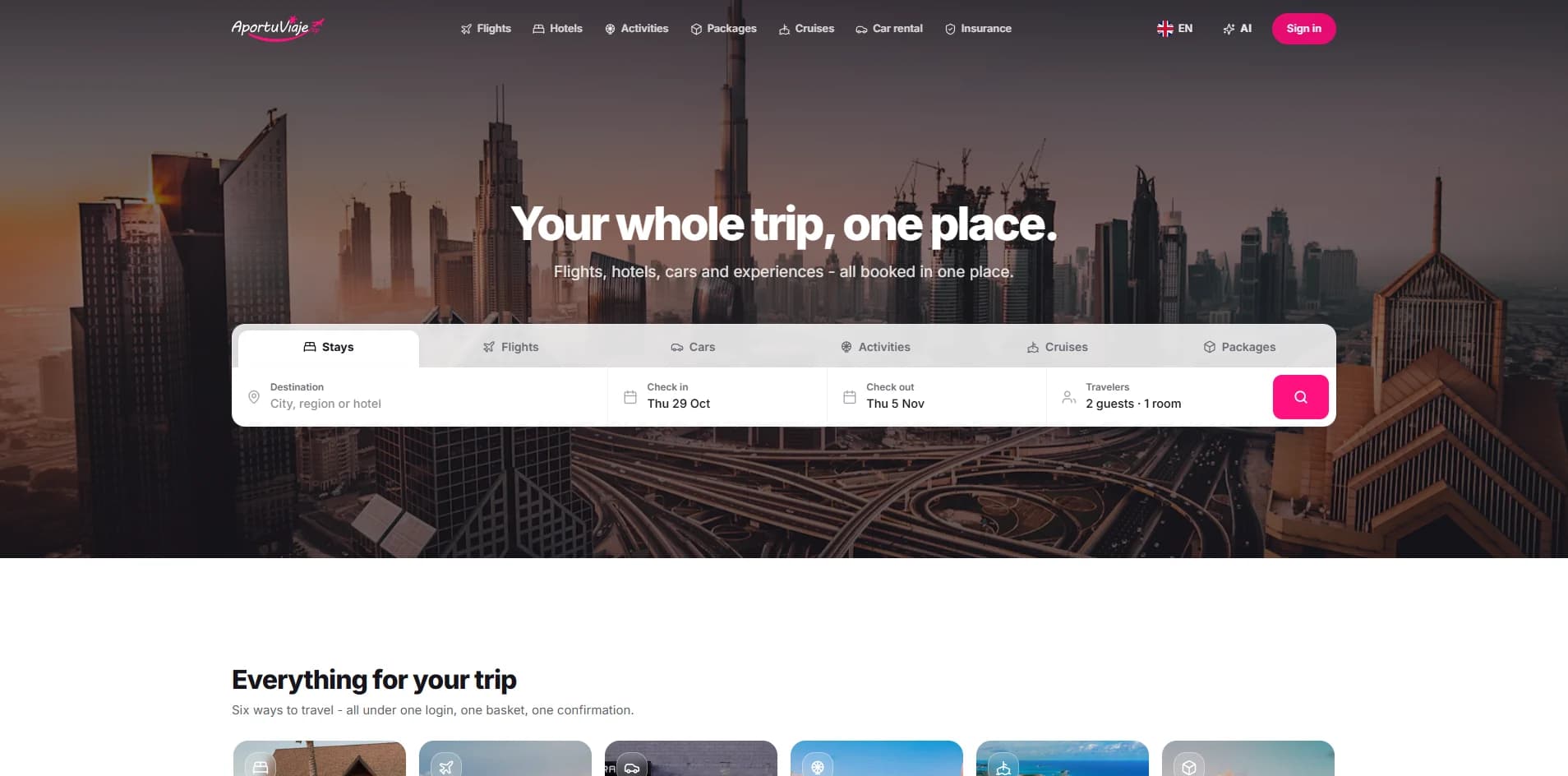
  • Retail · SaaS

    A point-of-sale system that keeps sales, stock and receipts together on till, tablet and phone.

    Screen capture, 1908 × 944
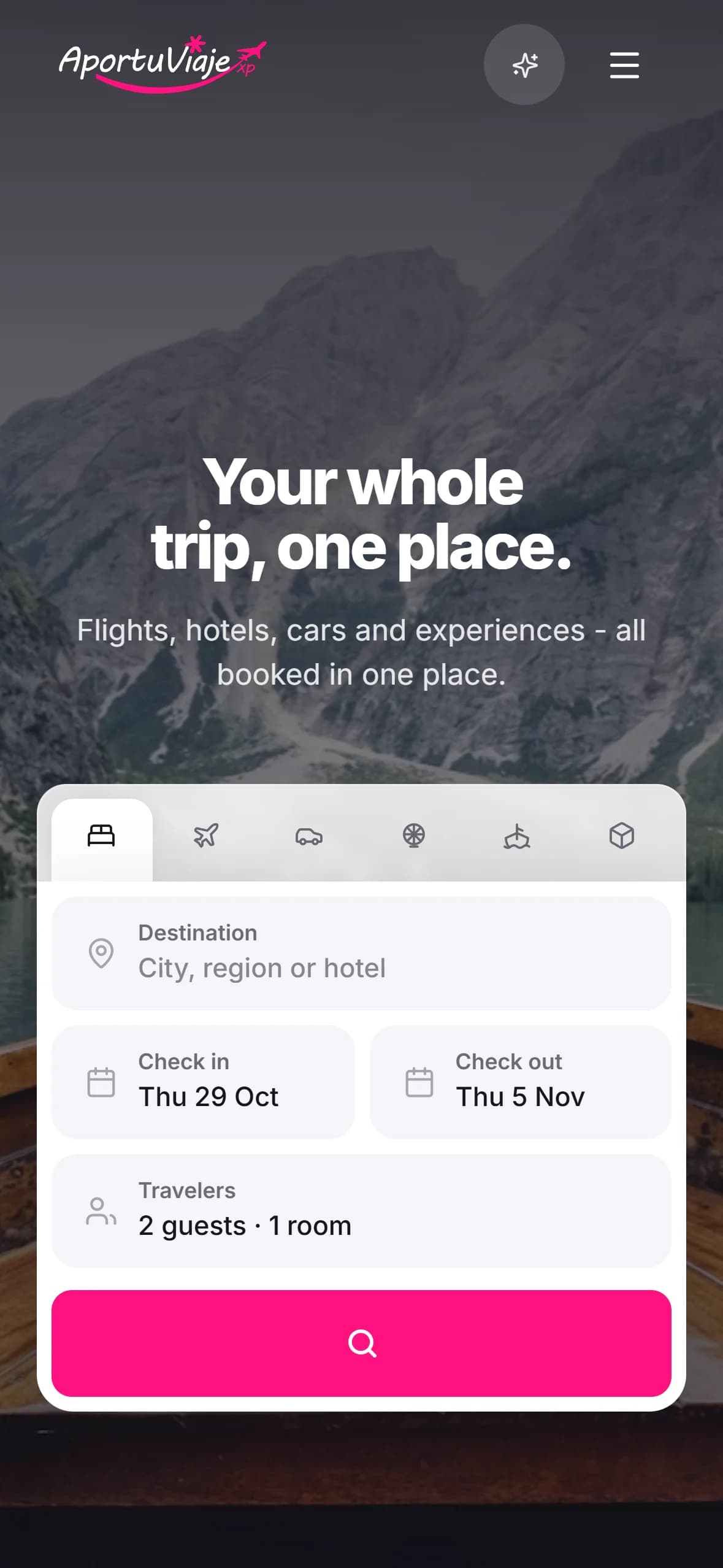
  • Travel

    A travel booking app whose AI assistant finds flights, hotels and trip ideas, through to a confirmed booking.

  • AI

    Silvia AI

    An AI assistant for customer support and sales that answers questions and guides buyers.

    Screen capture, 1908 × 944

Questions about AI chatbots

What teams ask before they put an AI in front of their customers or staff, answered plainly.

Ask your own
What's the difference between a chatbot and an AI assistant?

Mostly what it can do. A chatbot answers questions; an assistant also does things — looks up an order, books a meeting, opens a ticket — and keeps the conversation's context. We build both, and most projects sit between the two: answers from your content, and the few actions that finish the conversation.

Will it work with our help desk, CRM and other systems?

Usually, yes. It connects to help desks such as Zendesk, Intercom and Freshdesk, CRMs such as Salesforce and HubSpot, and your order system, calendar or own APIs, each with only the permissions it needs.

How do you stop it making things up?

It answers only from your own content, shows the source of each answer, and says it doesn't know when the answer isn't there, passing the conversation to a person instead. A set of real questions runs against every change, so a wrong answer is caught before customers see it.

Should we use our help desk's AI, or build our own?

If your questions live in one help desk and its own AI, such as Intercom's Fin or Zendesk's, covers them, use it — we'll say so. A custom assistant pays when answers depend on your own systems, several sources or channels, permissions or actions a platform can't take, and it stays yours, on the model you choose.

Which channels can it run on?

Your website and app, WhatsApp, Slack and Microsoft Teams among others, all from one assistant with the same answers on each. Staff assistants usually live in Slack or Teams, and customer ones on your site and WhatsApp.

What happens when it can't help?

It says so and passes the conversation to your team — in your help desk, in Slack or by email — with the history and what it already did, so nobody repeats themselves. Out of hours it takes the details and opens a ticket.

Can you improve a chatbot we already have?

Yes. We start with your transcripts: the questions it gets wrong, where people give up and what it can't reach. Often the fix is the content and how it's searched rather than a new chatbot.

Is our data safe?

Each person sees only what they're allowed to, personal data is kept out of logs and prompts, and conversations are stored in the region you choose. Where data mustn't leave your network, the assistant can run on a private model.

Which languages can it speak?

Most of the languages your customers use, English, Spanish and Portuguese among them. It answers in the language it's asked in, even when your content is written in one.

How long does it take, and what does it cost?

Choosing the conversations and preparing the content takes one to two weeks, a working assistant tested on your questions two to six, and a pilot on one channel a few weeks more. Running cost is mostly the model's use per conversation, which we estimate before we build. After a first call we send a written estimate.


Describe your project. Get an estimate.