Workflow automation services on any platform

Custom AI workflows on n8n, Make, Zapier or your own code that do the manual work between your tools.

Automation services we offer

Seven kinds of work, from finding what to automate to keeping it running.

  1. 01 / 07

    Process discovery

    How the work is done today, mapped with the people who do it and ranked by what automating each step would save.

    • The work mapped with the people who do it
    • Each step costed in hours and errors
    • Ranked by what automating it would save
    • A first workflow picked, with its target
  2. 02 / 07

    Platform workflows

    Workflows on n8n, Make, Zapier or Power Automate, between the tools your team already uses.

    • Workflows on n8n, Make, Zapier or Power Automate
    • Between the tools your team already uses
    • Triggers, branches, schedules and retries
    • Hosted in your cloud or on the platform's
  3. 03 / 07

    Custom integrations

    Code that connects the systems no ready-made connector covers: APIs, webhooks and queues.

    • APIs, webhooks and queues where no connector exists
    • Old and new systems connected both ways
    • Data mapped and checked between them
    • Code you own, documented and tested
  4. 04 / 07

    AI steps

    Models that read, sort and draft inside a workflow, with a person approving what matters.

    • Emails, tickets and requests read and sorted
    • Replies and records drafted for review
    • A person approving what matters
    • A model chosen per step for cost and accuracy
  5. 05 / 07

    Document processing

    Invoices, forms and emails read into structured data and checked against your systems.

    • Invoices, forms and emails read into data
    • Typed, scanned and handwritten fields
    • Checked against your orders and suppliers
    • Exceptions sent to a person with the reason
  6. 06 / 07

    RPA bots

    Bots that work the screens of systems with no API, on the RPA platform you use or choose.

    • On the RPA platform you use or choose
    • Screens of systems with no API worked
    • Logins, data entry and exports handled
    • Moved to an API once one exists
  7. 07 / 07

    Monitoring and support

    Every run logged, failures retried and flagged, and the workflows kept working as your tools change.

    • Every run logged with what it read and wrote
    • Failures retried, then flagged to your team
    • Workflows updated as your tools change
    • A monthly report of runs and fixes

Our workflow automation process

Six steps, from the work as your team does it today to a workflow that runs on its own.

  1. 01Scope

    The work as your team does it today, and the first workflow worth automating.

  2. 02Plan

    Triggers, AI steps and human checkpoints planned on the platform that fits, with an estimate that names the dates.

  3. 03Build

    The workflow built and connected to your CRM, ERP and help desk.

  4. 04Test

    Run on real cases beside your team, with edge cases and failures handled.

  5. 05Launch

    Rolled out with training and a runbook for your team.

  6. 06Maintain

    Every run monitored, failures fixed and workflows updated as your tools change, or handed over to your team.

Workflow automation features

What we build into a workflow, set for the work it runs and the systems it touches.

  • Starts on an event or a schedule

    Runs the moment something happens, such as a new order, a form or an email, or at the times you set.

  • Rules that route the work

    Each item goes down the right path or to the right team, by the rules your business already follows.

  • Every run logged

    Each run keeps its steps, what it read and what it wrote, so anyone can see what happened to an invoice and when.

  • Failures retried, then flagged

    A step that fails tries again on its own. If it still fails, someone is alerted with the run and the reason, and nothing is lost.

  • A person where it matters

    Runs over a limit you set wait for the right person, and the log records who approved them and when.

  • Personal data protection

    Personal and payment details masked, or kept out of the steps that don't need them, under your compliance rules.

  • Tested on real cases

    Run against real past cases before launch and after every change, so it holds up on the odd ones too.

  • Sized for your busiest day

    Queues and workers set for peak volume, so a busy Monday doesn't back up.

  • Live status dashboard

    Items in flight, success rate and time saved in one view, for the team and for whoever pays for it.

Ways to start

Starting something new with AI, or adding it to software you already have.

Something new

  • Build a first version

    An AI MVP with the features that matter most, to launch and learn.

  • Build the whole product

    An AI product designed, built and launched in full, by one team.

  • Extend your team

    AI engineers join your team, or a dedicated team runs the work.

Software you already have

Industries we build software for

Custom software development across industries: web, mobile and AI applications, built and security-audited by one team.

  • A modern hospital patient room in the evening, a made bed beside a patient monitor and an IV stand

    Healthcare & MedTech

    Healthcare and medical software development: patient portals, telemedicine apps, EHR integrations and clinical dashboards.

  • A phone showing a mobile banking app beside a black metal payment card on a stone table

    Fintech & Payments

    Fintech and payment app development: digital wallets, payment gateways, mobile banking apps and lending platforms.

  • A streetwear store with a wall of hoodies and jerseys, a lit sneaker wall and a terrazzo display of tees and caps

    Retail & Ecommerce

    Ecommerce development for online stores, mobile shopping apps, point-of-sale software and inventory management.

  • A brass luggage trolley with suitcases and a coat in a modern hotel lobby, beside the reception desk

    Travel & Hospitality

    Travel and hospitality software: booking engines, hotel management systems, travel apps and supplier integrations.

  • A robotic assembly line in a smart factory, with robot arms in glass cells and autonomous robots carrying parts

    AI & Automation

    AI development and AI automation: AI agents, chatbots, document processing and automated business workflows.

  • A software team's studio with a product roadmap of sticky notes on a whiteboard above a shared desk

    SaaS & Marketplaces

    SaaS and marketplace development: multi-tenant platforms, subscription billing, user roles and vendor payouts.

  • Parcels on a conveyor in a fulfilment warehouse, with tall pallet racking and a forklift behind

    Logistics & Supply Chain

    Logistics and supply chain software: fleet and warehouse management, route planning and shipment tracking.

  • A university library atrium with study tables, glass study rooms and a recording room beneath tiers of bookshelves

    Education & EdTech

    EdTech and education app development: learning management systems, e-learning platforms, virtual classrooms and assessments.

  • A secured glass door with a fingerprint reader beside a long data centre aisle of server racks

    Cybersecurity

    Cybersecurity software: identity and access management, SIEM dashboards and compliance tooling, plus security audits and penetration testing.

  • A newly built apartment's living room and kitchen at dusk, floor-to-ceiling windows onto residential towers and a tower crane

    Real Estate & PropTech

    Real estate and PropTech software development: property management systems, listing portals, agent CRMs and tenant apps.

  • A law firm's double-height library at dusk, a long walnut meeting table laid with a contract, a fountain pen and case binders

    Legal & LegalTech

    Legal software development: case and contract management, legal document management and eDiscovery tools.

  • An esports arena before a final, a fantasy battle map on the giant screen above two lit team desks and a silver cup on a plinth

    Gaming & Esports

    Gaming and esports software: game backends, multiplayer matchmaking, tournament platforms, player accounts and in-game payments.

We also build software for insurance (insurtech), government (govtech), energy and media. If your industry is not listed, we can still build for it.

Software we run in production

Three products of our own, built and kept running by the same team that automates for clients.

  • Retail · SaaS

    A point-of-sale system that keeps sales, stock and receipts together on till, tablet and phone.

    Screen capture, 1908 × 944
  • Travel

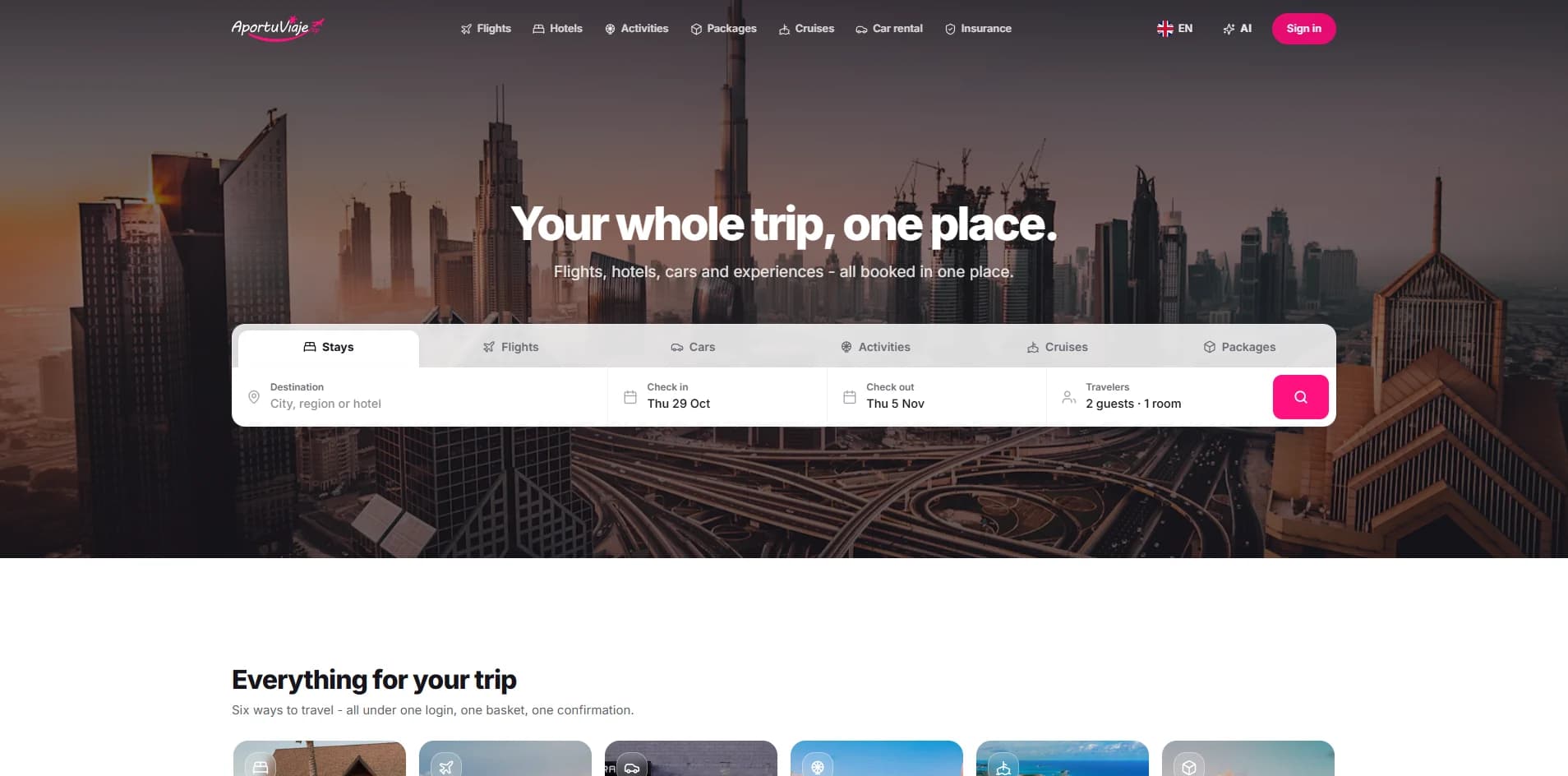
    A travel booking app whose AI assistant finds flights, hotels and trip ideas, through to a confirmed booking.

  • AI

    Silvia AI

    An AI assistant for customer support and sales that answers questions and guides buyers.

    Screen capture, 1908 × 944

Questions about workflow automation

The ones teams ask before they automate, answered plainly.

Ask your own
How much does workflow automation cost?

It depends on how many workflows, the systems they touch and whether they run on a platform or in custom code. After a first call you get a written estimate with the scope, the price and the dates, before any work starts.

How long does it take?

One workflow takes less time than a set that spans several systems. The estimate names the dates, and each workflow can go live as it is ready rather than all at the end.

What should we automate first?

The work that is repeated most, follows the same rules each time and costs the most when it goes wrong. Discovery maps how it is done today and ranks what to automate by what it saves.

n8n, Make, Zapier or custom code?

Whichever fits: the platform you already pay for, n8n when you want it in your own cloud, or custom code when no connector does what the workflow needs. Often it is a mix.

Can it work with the tools we already use?

Yes. Workflows connect to your CRM, ERP, helpdesk, spreadsheets and email through their APIs; where a system has no API, an RPA bot can work its screens.

Where does AI fit in?

Where a step needs judgement: reading an email or a document, sorting a request, drafting a reply. A person approves anything that moves money or data, and every AI step is logged.

Can you read invoices, forms and emails?

Yes. Documents are read into structured data and checked against your systems, and anything the workflow is unsure of goes to a person.

Do you build RPA bots?

Yes, for systems with no API — an old desktop app or a portal — on UiPath or Power Automate. Where an API exists, we connect to it instead; it breaks less.

Where do the workflows run?

In your own cloud, or on the platform's hosted plan, whichever suits your data and your team.

What happens when something fails?

Every run is logged. A failed step retries, and if it still fails, someone is alerted with the run that broke and why, before your team notices.


Describe your project. Get an estimate.