
01 / 06
Windows and macOS apps
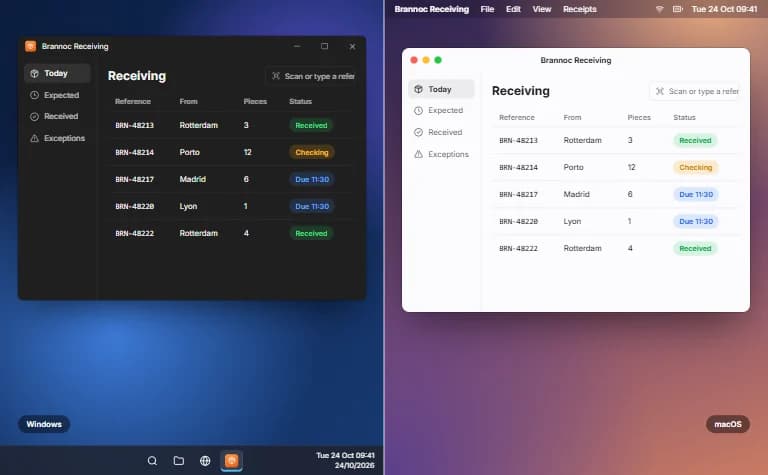
Native apps for Windows and the Mac, with the menus, shortcuts and notifications each system expects.
- Built for Windows and the Mac
- Each system's menus and shortcuts
- Quick to open, light on memory
Windows and macOS apps for work a browser can't do: offline, on your hardware, signed and kept up to date.
From the apps people use every day to the software a business and its devices run on.
Apps people download and use every day, at home and at work.
The software a business runs on, from the office to the warehouse.
Software for the devices, machines and instruments a business relies on.
Everything a desktop app needs, from the first version to years of updates — built and run by one team.
Native apps for Windows and the Mac, with the menus, shortcuts and notifications each system expects.
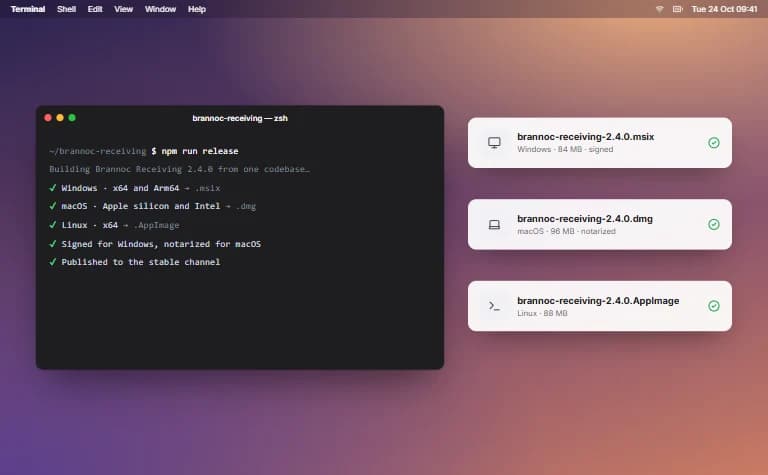
One codebase, built and tested on Windows, macOS and Linux, with an installer for each.
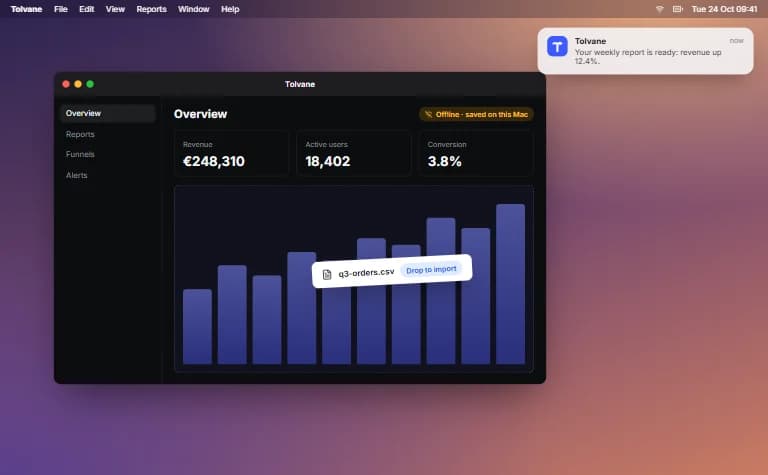
Your web product in the dock and the taskbar, with offline use, file access and notifications.
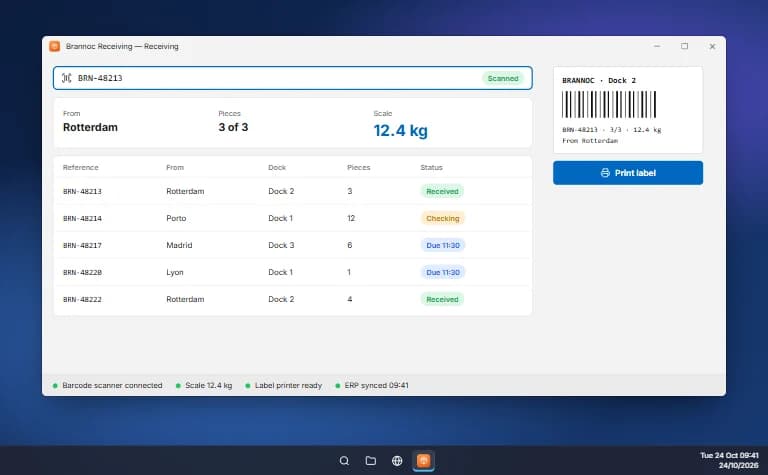
Barcode scanners, label printers, scales and lab instruments, connected to your ERP, APIs and databases.
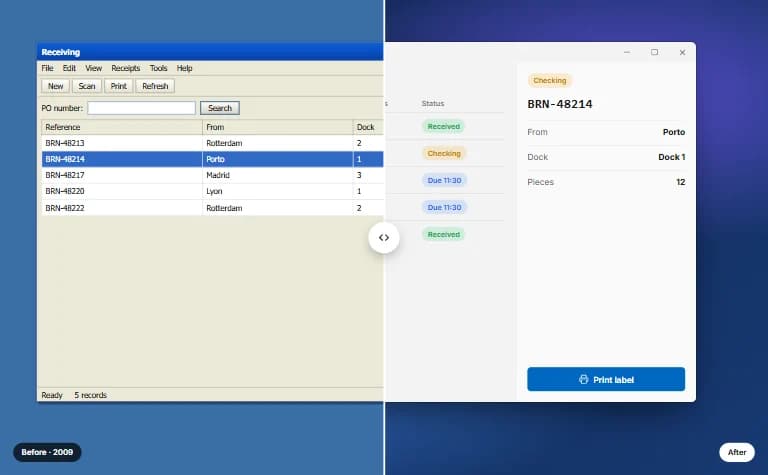
Old Windows apps moved to a modern stack screen by screen, on the same data, while they keep running.
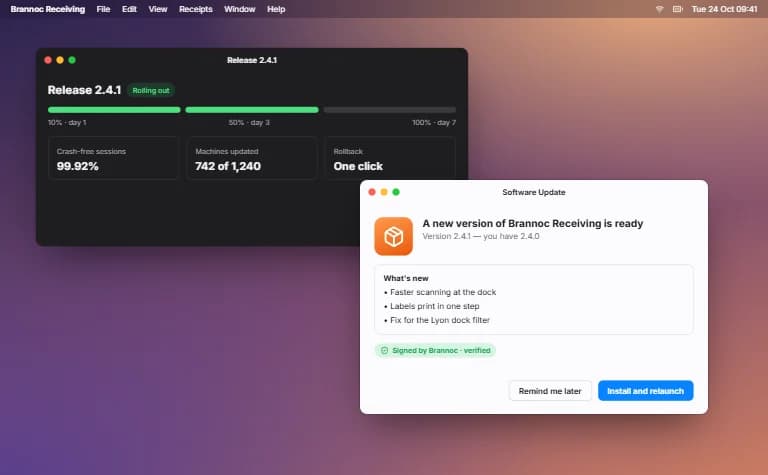
Installers both systems trust, store publishing, automatic updates and support through every new OS release.
The problems teams bring us most, each with a fix that lasts.
Signed for Windows and notarized for macOS, so both systems know who made it and let it install.
Signed updates roll out in stages, so every machine stays current on its own.
Crash reports with the version, the system and what led up to it, the moment it happens.
Moved to a modern stack screen by screen, with its data and rules intact.
Built and tested for the Mac as well, with an installer for each system.
Works on local data offline and syncs the moment the connection is back.
We recommend one, with the reasons, before anything is estimated.
One codebase for Windows, macOS and Linux, in Electron, Tauri or Qt.
Trade-off
Electron apps install larger and use more memory than native.
A separate app for each system, in its own language.
Trade-off
A codebase per system to build and keep current.
Runs in the browser, and installs like an app where the browser allows.
Trade-off
Limited reach into local files, devices and offline work.
Five steps, each ending on something that runs on your machines, from a prototype window to a signed installer.
The systems it runs on, the framework and the update plan, settled before any feature work.
Flows, windows and the UI kit planned for Windows and the Mac, with a prototype and a dated estimate.
Features and system integration built in milestones, each tested on every system you run.
Signed, notarised installers for each system, with auto-update and crash reporting on.
Fixes, OS and dependency updates, and new features as you need them.
The systems it runs on, the framework and the update plan, settled before any feature work.
Flows, windows and the UI kit planned for Windows and the Mac, with a prototype and a dated estimate.
Features and system integration built in milestones, each tested on every system you run.
Signed, notarised installers for each system, with auto-update and crash reporting on.
Fixes, OS and dependency updates, and new features as you need them.
Built into your Windows and Mac app where it needs them, and agreed with you before work starts.
Quick to open, light on memory and small to download, even on older machines.
Each part gets only the access it needs; every dependency is checked before release.
Usable by keyboard and with the screen readers built into Windows and macOS.
Menus, shortcuts and windows that work the way Windows and Mac users expect.
Passwords and keys in the Keychain or Credential Manager, and the files on the computer encrypted.
Touch ID, Windows Hello or your company's single sign-on, with no new password.
Starting something new, or working with software you already have.
An MVP with the features that matter most, to launch and learn.
Designed, built and launched in full, by one team.
Engineers join your team, or a dedicated team runs the work.
New features or a modern stack, one part at a time, without stopping the business.
A prototype, demo or stalled project made reliable, secure and ready for real users.
Hosting, monitoring, updates and fixes for software in production, agreed with you.
Custom software development across industries: web, mobile and AI applications, built and security-audited by one team.
We also build software for insurance (insurtech), government (govtech), energy and media. If your industry is not listed, we can still build for it.
Three products of our own, designed, built and kept running by the same team that would build your app.
Retail · SaaS
A point-of-sale system that keeps sales, stock and receipts together on till, tablet and phone.
Travel
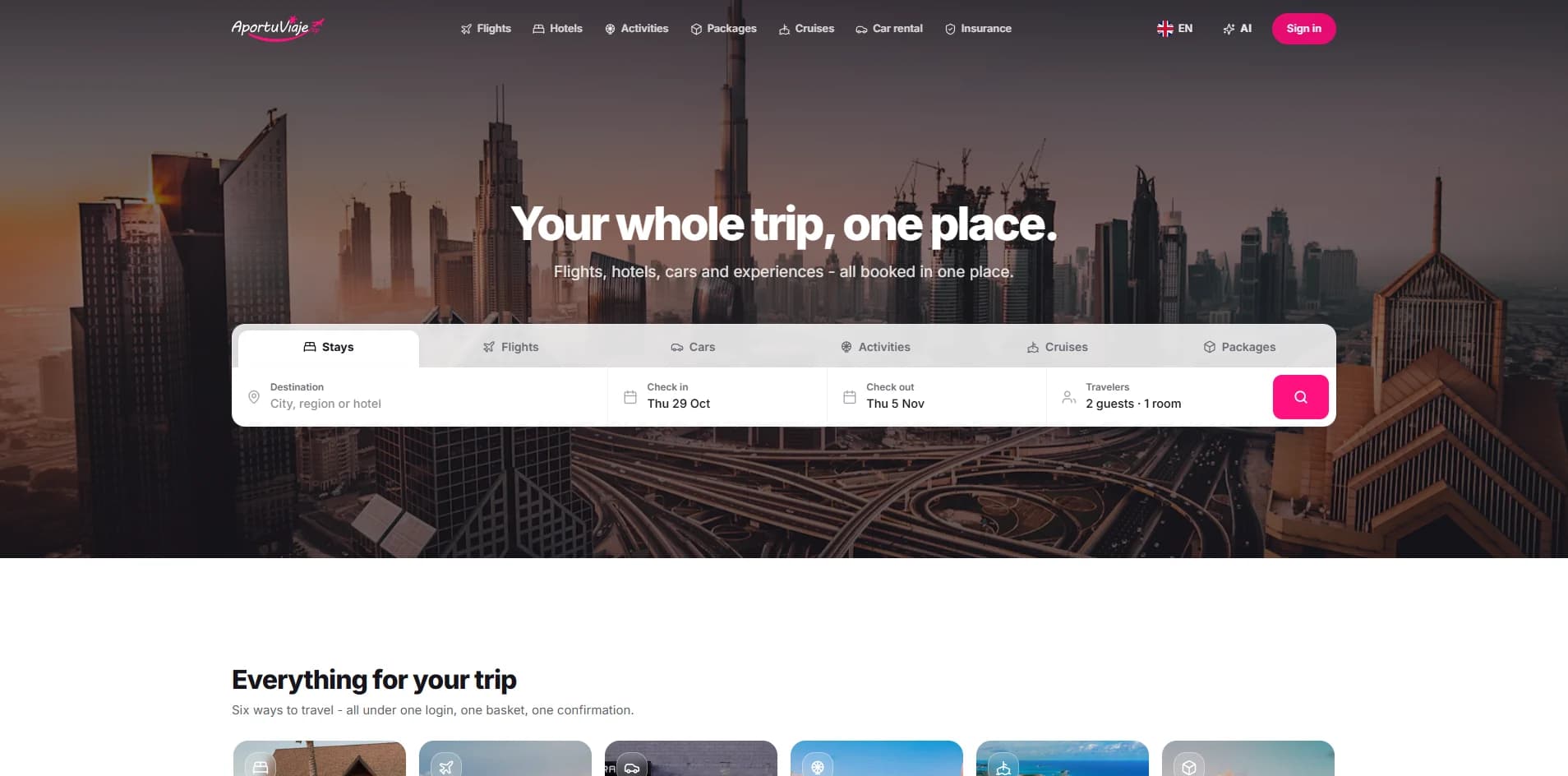
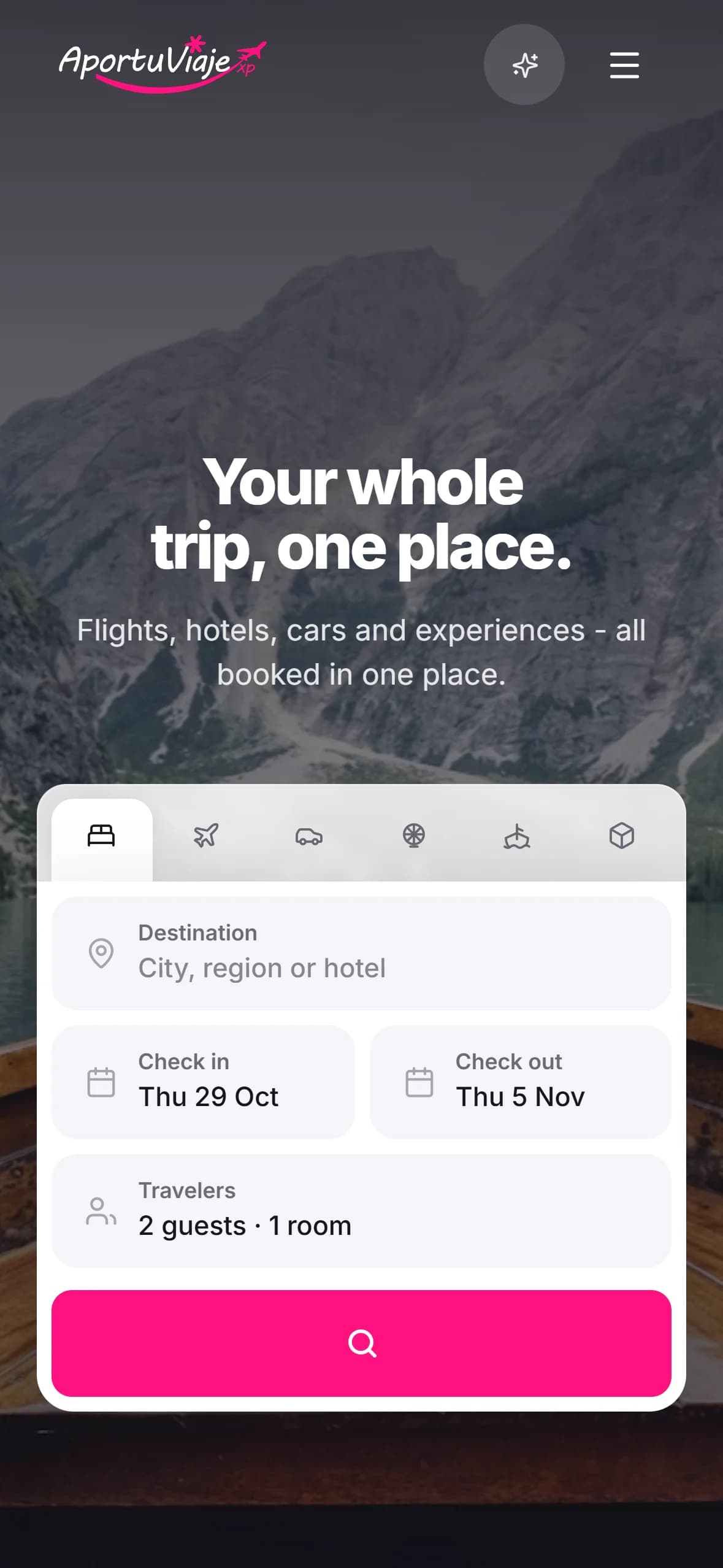
A travel booking app whose AI assistant finds flights, hotels and trip ideas, through to a confirmed booking.
AI
An AI assistant for customer support and sales that answers questions and guides buyers.
The ones teams ask before they start, answered plainly.
You get a written estimate after a first call, before any work starts. What moves it most: how many systems it runs on, how much of it is native, the hardware and systems it talks to, whether it works offline, and whether an old app's data has to come across.
A focused first version takes a few months; a larger product, or moving an old app across, takes longer. Either way you have a build on your own machine at the end of every milestone.
It is decided per app and written down before the build starts. Electron when there is a web team and codebase to build on; Tauri when size and memory matter; native SwiftUI or WinUI when the feel of the system is the product; Qt and C++ for heavy, hardware-close work.
If it doesn't need to work offline, reach local files or devices, or live in the system's tray and shortcuts, a web app is simpler to ship and to update — and we'll say so.
Yes, from one codebase with Electron, Tauri or Qt, each build following its own system's conventions. Linux packages — AppImage, deb or rpm — when your users need them.
Windows builds are signed with a code-signing certificate; macOS builds with an Apple Developer ID and notarized by Apple, so neither system warns your users on first launch. The certificates and the store accounts are in your organisation's name.
Yes. The Mac App Store requires Apple's App Sandbox and delivers every update itself, so some apps are better downloaded directly; the Microsoft Store takes MSIX packages or signed installers.
Yes, screen by screen. The data and the business rules are kept, the old and new apps run side by side until the switch-over, and the stack it moves to is chosen for that app.
Yes. A local database is the source of truth and syncs when the connection is back, and scanners, label printers and USB or serial devices are reached through the system.
Updates are signed and rolled out in stages, crashes are watched, and the app is kept current with each Windows and macOS release — or handed over with documentation, whenever you want.